Guides · 13 November 2026 · 3 min read
How to completely uninstall an app on Mac (and clean up leftovers of apps you already deleted)
Dragging an app to the Trash leaves its files behind in Library. Here is where those leftovers live, how to remove them by hand, and how to do it with an undo.
On a Mac, "uninstalling" usually means dragging the app to the Trash. That removes the app, but not the settings, caches, support files and background helpers it created. Those can add up to gigabytes, and helpers can keep running after the app is gone.
Where apps leave files
In Finder, choose Go → Go to Folder… (⇧⌘G) and check these folders for items named after the app or its developer:
~/Library/Application Support— app data (the largest leftovers usually live here)~/Library/Caches— caches~/Library/Preferences— settings files (.plist)~/Library/Containersand~/Library/Group Containers— data for sandboxed apps~/Library/LaunchAgents,/Library/LaunchAgents,/Library/LaunchDaemons— helpers that start automatically
Be careful: names aren't always obvious, and some folders are shared by several apps from the same developer. If you're unsure, move items to a folder on your Desktop instead of deleting them, and delete them a week later if nothing broke.
First, check for an official uninstaller
Some apps — Adobe, Microsoft Office, antivirus tools, VPNs, drivers — ship their own uninstaller or an Uninstall menu item. Use it first, because these apps install system components that the Trash won't remove.
The easy way with Sweepvault
The Apps tab in Sweepvault lists your apps by size, name or how long since you last used them. Pick one and it lists every leftover file before anything is removed. Then it removes the app and its files together.
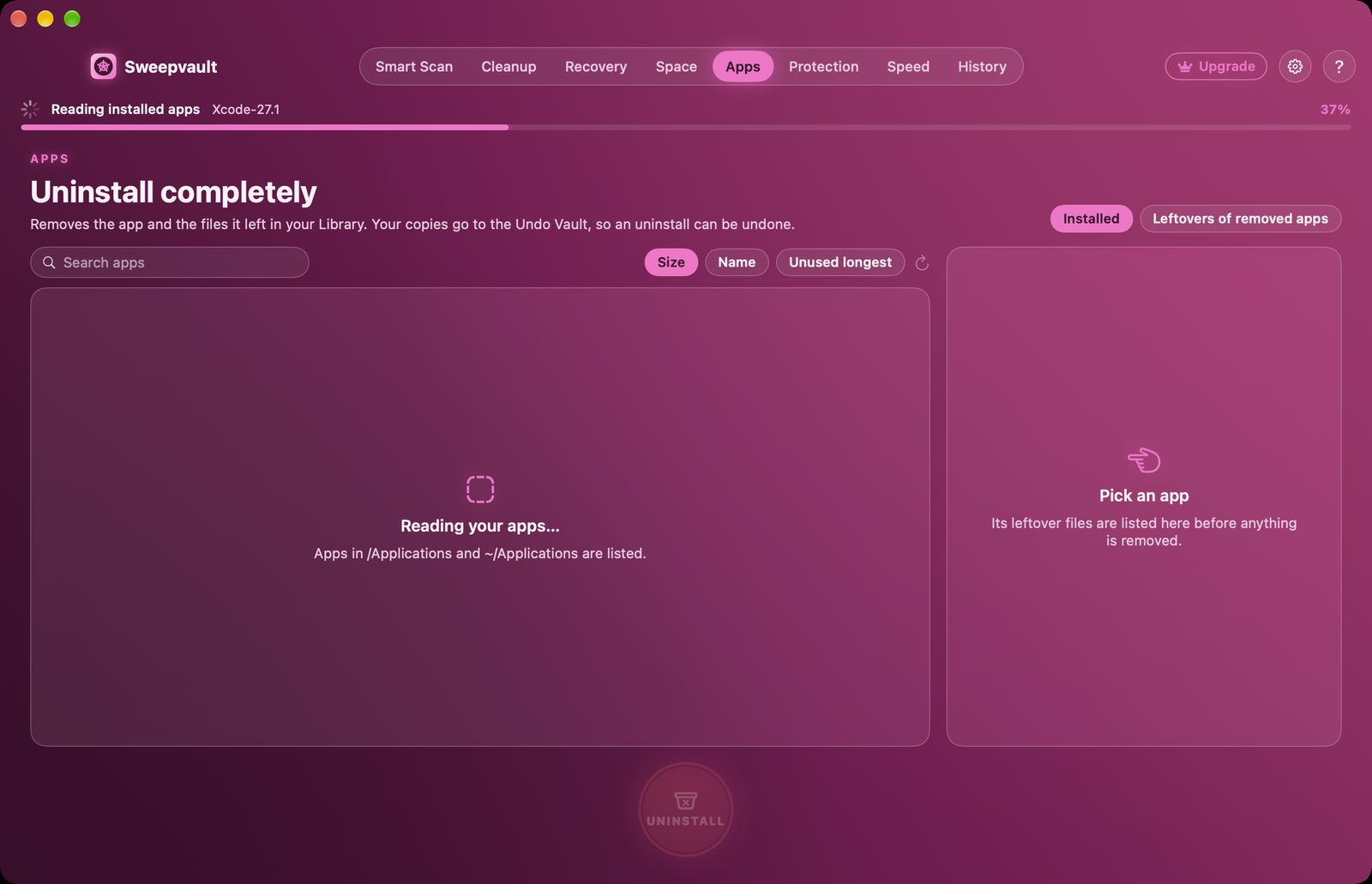
The difference from most uninstallers: your copies go to the Undo Vault. If you uninstalled the wrong app, or need it back next week, restore it with one click. Clean uninstall is free.
Already deleted apps the old way?
Switch to Leftovers of removed apps. Sweepvault finds Library folders that belong to apps that are no longer installed, so you can clean those up too.
Remove the helpers that stay behind
Launch agents and daemons are small programs that start by themselves at login, often updaters. When the app is gone, they're "broken" — pointing at a program that no longer exists. Sweepvault's Protection tab lists them, who signed them, and which ones are broken. See our guide Mac running slow? for more on that.
See Sweepvault →
Uptend users: Uptend also uninstalls apps with their leftovers, free. Use whichever app you already have.
Quick answers
Does dragging an app to the Trash uninstall it completely?
No. It removes the app itself but leaves its settings, caches and support files in your Library folder, and sometimes background helpers that keep starting at login.
How do I remove leftover files from apps I already deleted?
Check ~/Library/Application Support, Caches, Preferences, Containers and LaunchAgents for items named after the app or developer. Sweepvault lists leftovers of removed apps automatically and keeps a 30-day undo.